
⚡
Real-time Dashboard
Live test results streamed via WebSocket. Watch tests pass and fail as they run.
Real-time test reporting dashboard for JUnit 5, Cucumber, TestNG, Playwright & pytest. Self-hosted.
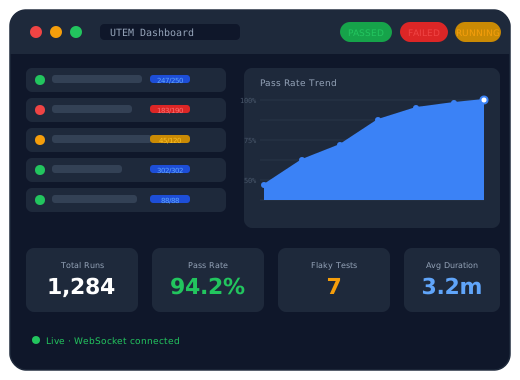
Up and running in under 5 minutes
Run the JAR or Docker container. The dashboard is immediately available at localhost:8080.
One dependency in your test project. Configure the server URL and API key — no code changes needed.
Results appear in the dashboard live. Trends, analytics, and flakiness detection update automatically.
No. UTEM uses embedded SQLite — no database server required. Data is stored in a single file (utem.db) in the current directory. For Docker, mount a volume at /app/data to persist it across restarts.
No. Authentication is opt-in and disabled by default (utem.security.enabled=false). This makes it easy to get started in a single-user or internal network setup. Enable it when you need multi-user access or want to restrict who can view test results.
UTEM has first-class reporters for:
Support for NUnit, xUnit, and Vitest is on the roadmap.
Yes. The reporter sends events over HTTP — just set UTEM_SERVER_URL and UTEM_API_KEY as environment variables in your CI pipeline. Works with GitHub Actions, Jenkins, GitLab CI, and any other CI system.
Register your Selenium WebDriver with WebDriverRegistry.register(driver) in your test setup. UTEM automatically captures a screenshot on test failure and attaches it to the run in the dashboard. No extra code needed in your test methods.
Yes. Create a Project for each team — each gets its own API key. Enable authentication, create user accounts, and assign users to projects. Members only see their team's runs and analytics.
By default, runs older than 30 days are automatically deleted at 2am daily. You can configure this with utem.retention.retention-days and utem.retention.cron-expression, or disable it entirely with utem.retention.enabled=false.
Yes. UTEM is released under the MIT License — free to use, modify, and self-host. Source code is available on GitHub.